
If you are flying during the holiday rush, do not leave home without checking one boring but important thing: your airline profile settings. It sounds small, but it is the difference between using a faster lane and standing there like everyone else while you dig through pockets.
We see this all the time at TheMilesAcademy. People enroll in faster screening, show up early, and still get stuck in a slow line because they never turned on the option that makes these newer lanes work. Then the airport feels “random,” when really it was one setting.
TSA PreCheck Touchless ID is rolling out at more major airports, and it can make the ID check feel almost effortless. But it only helps if you opt in before you arrive, and it only works when your airline participates at that airport.
How TSA PreCheck Touchless ID Works At Security
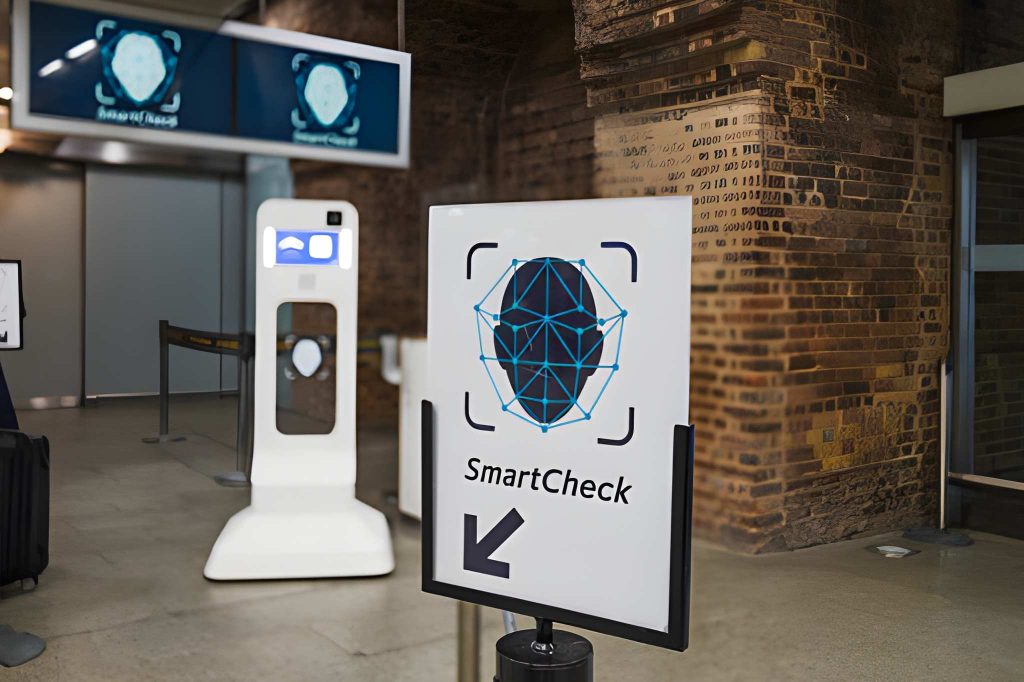
TSA PreCheck Touchless ID uses facial comparison technology in certain TSA PreCheck lanes. As you walk up to the officer, a camera takes your photo. The system then compares that image to a passport photo that is already on file through your airline profile setup.
When everything matches, many travelers can keep moving without pulling out a wallet, showing a physical ID, or handing over a boarding pass for the ID check. That is usually why it feels faster. You are not stopping to dig through pockets, unlock a phone, or pass documents back and forth.
This does not change everything about security. You still follow TSA PreCheck rules and the officer can still ask questions. The big difference is the identity check step often becomes quicker and simpler.
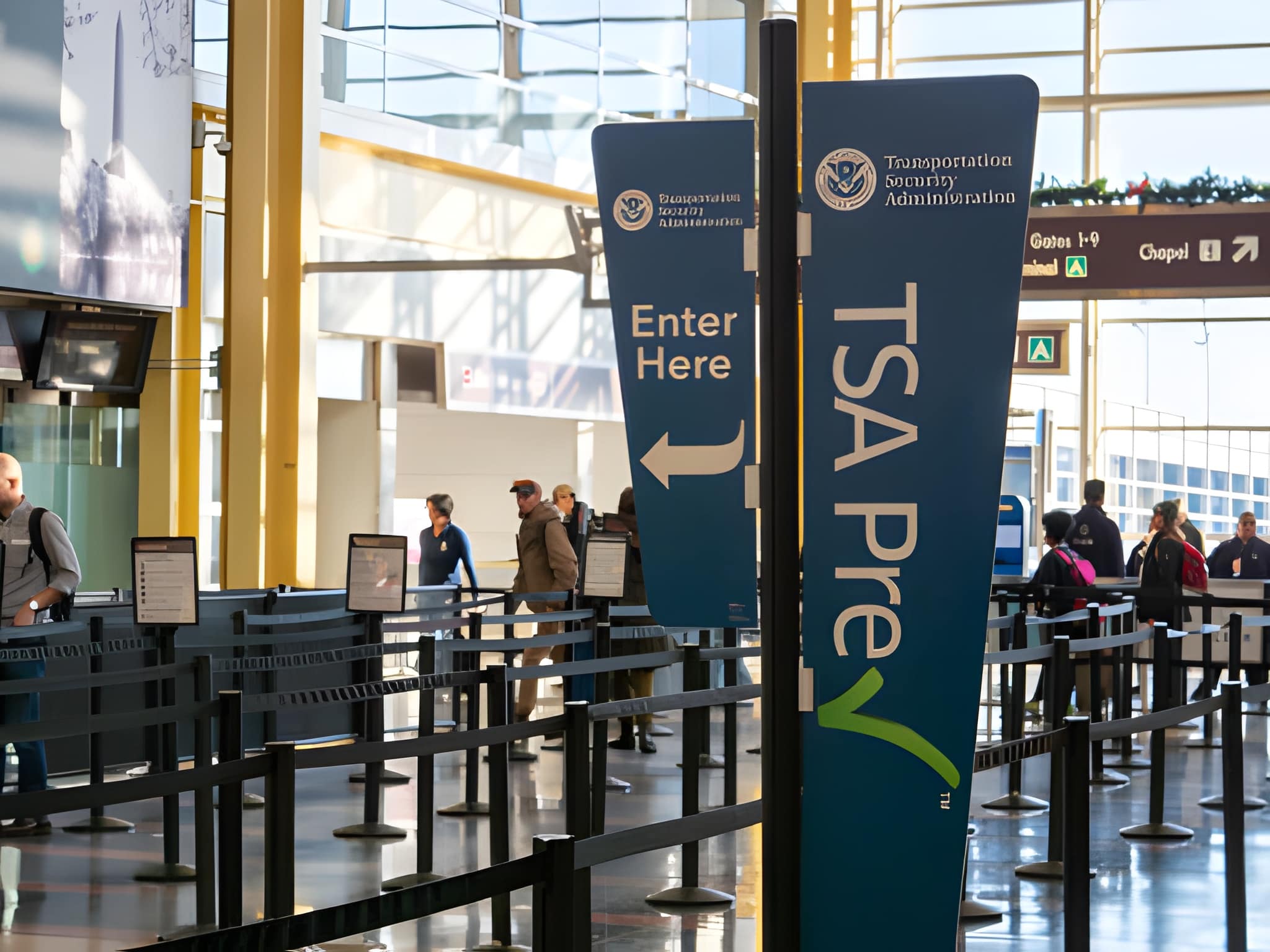
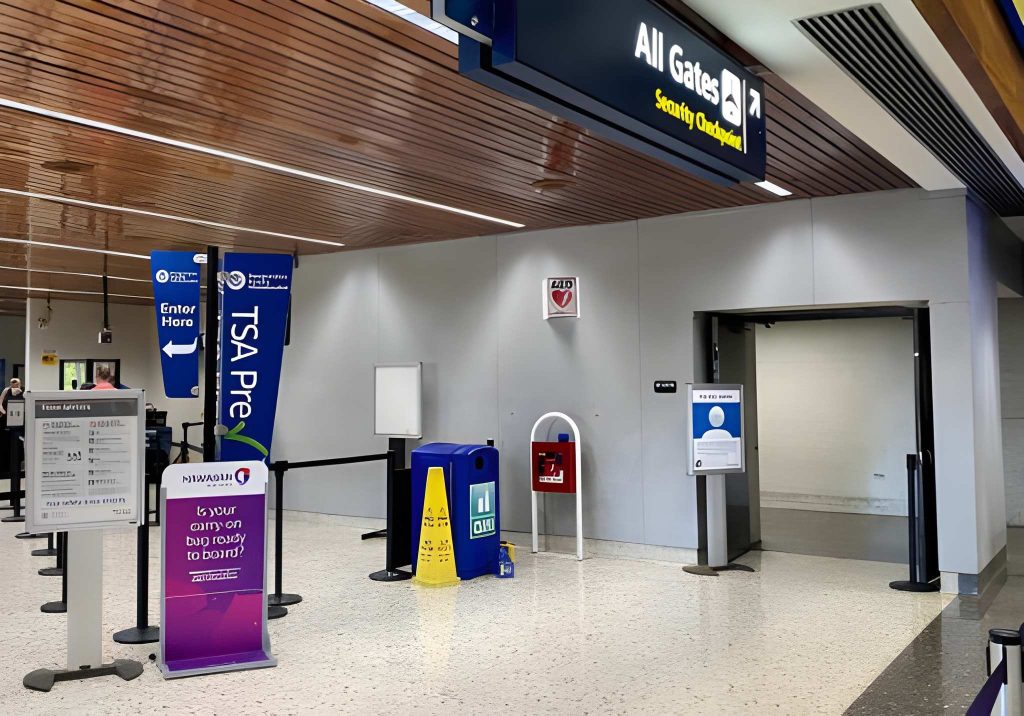
These lanes are often marked with blue and green signs at the checkpoint. Just remember that airports change lane layouts, especially during busy travel periods, so the signs might be in a different spot from your last trip. If you do not see the signs, do not panic. You can still use the regular TSA PreCheck lane.
Who Can Use TSA PreCheck Touchless ID
If you have TSA PreCheck, you can be eligible to use TSA PreCheck Touchless ID. You may also qualify if you get TSA PreCheck access through Global Entry.
Here is the key detail. You must opt in. TSA PreCheck Touchless ID is not automatically turned on for every traveler, even if you have TSA PreCheck.
Also, the lane has to be available for your airline at that airport. Even if you see TSA PreCheck Touchless ID at one terminal, you cannot assume every airline in the building supports it.
You might be opted in and still be asked for your physical ID on a given day. That does not always mean you did something wrong. Checkpoints sometimes switch processes based on staffing, equipment, or lane flow.
How To Opt In Before You Head To The Airport
Opting in usually takes a few minutes, and it is easier to do from home than from the curb outside the terminal.
In most airline apps, you will do the same basic steps. You open your account, find the travel documents or TSA PreCheck area, upload a passport photo if asked, and then consent to using TSA PreCheck Touchless ID.
Here is a simple way to look for it:
- Open your airline app or sign in on the airline website.
- Go to your profile or account settings.
- Look for a section that mentions TSA PreCheck, travel documents, or identity verification.
- Select TSA PreCheck Touchless ID.
- Add a passport image if the app requests it. This can feel similar to the passport upload some airlines ask for before international travel.
- Read the consent screens and opt in. After that, your profile should be ready to use TSA PreCheck Touchless ID at supported airports for that airline.
We recommend doing the setup before travel day because airport Wi-Fi and mobile signal can be unreliable. If you fly multiple airlines, opt in inside the account for the airline you are taking on this trip. If you travel with family, remember that each eligible traveler typically needs their own opt-in completed.
Airports And Airlines Offering TSA PreCheck Touchless ID
TSA PreCheck Touchless ID is expanding across the country. As of November 2025, each of the five largest U.S. airlines participates at a group of major hubs.
Below is the full list of where TSA PreCheck Touchless ID is available by airline as of November 2025. Airport operations can change, so use this as a current snapshot and confirm availability before you travel.
| Airline | Airports With TSA PreCheck Touchless ID For That Airline |
|---|---|
| United Airlines | Seattle-Tacoma International Airport (SEA), Newark Liberty International Airport (EWR), Los Angeles International Airport (LAX), Denver International Airport (DEN), Hartsfield-Jackson Atlanta International Airport (ATL), San Francisco International Airport (SFO), Ronald Reagan Washington National Airport (DCA), Portland International Airport (PDX), Las Vegas Harry Reid International Airport (LAS), Salt Lake City International Airport (SLC), LaGuardia Airport (LGA), O’Hare International Airport (ORD) |
| Alaska Airlines | Seattle-Tacoma International Airport (SEA), Portland International Airport (PDX), Los Angeles International Airport (LAX), Denver International Airport (DEN), Hartsfield-Jackson Atlanta International Airport (ATL), Salt Lake City International Airport (SLC), Ronald Reagan Washington National Airport (DCA) |
| Southwest Airlines | Denver International Airport (DEN), Hartsfield-Jackson Atlanta International Airport (ATL), Portland International Airport (PDX), Seattle-Tacoma International Airport (SEA), Salt Lake City International Airport (SLC), LaGuardia Airport (LGA) |
| Delta Air Lines | Los Angeles International Airport (LAX), Detroit Metropolitan Wayne County Airport (DTW), Hartsfield-Jackson Atlanta International Airport (ATL), John F. Kennedy International Airport (JFK), Denver International Airport (DEN), Newark Liberty International Airport (EWR), Ronald Reagan Washington National Airport (DCA), Salt Lake City International Airport (SLC), LaGuardia Airport (LGA), Seattle-Tacoma International Airport (SEA), Portland International Airport (PDX), Las Vegas Harry Reid International Airport (LAS) |
| American Airlines | Dallas Fort Worth International Airport (DFW), John F. Kennedy International Airport (JFK), Hartsfield-Jackson Atlanta International Airport (ATL), Denver International Airport (DEN), Newark Liberty International Airport (EWR), Ronald Reagan Washington National Airport (DCA), Las Vegas Harry Reid International Airport (LAS), Portland International Airport (PDX), Salt Lake City International Airport (SLC), Seattle-Tacoma International Airport (SEA), LaGuardia Airport (LGA) |
If your airport is listed but you do not see a touchless lane open, do not assume the program disappeared. Some checkpoints run it only in certain lanes or at certain times, and some move the signage around when they re-route traffic.
What To Expect When You Get To The Checkpoint
Even after you opt in, do not treat TSA PreCheck Touchless ID like a guarantee.
On some days, the touchless lane is running smoothly and it feels fast from start to finish. On other days, the checkpoint may run the lane like a standard TSA PreCheck lane because of a technical issue, a staffing shift, or a change in how the terminal is set up.
If an officer asks you to show your physical ID or boarding pass, hand it over and keep moving. That does not automatically mean your opt-in failed. It often just means the touchless flow is not being used at that moment.
We also recommend keeping your ID somewhere easy to reach until you are fully through the checkpoint. Even if you expect touchless, the request for a manual check can happen quickly, and fumbling for it defeats the whole point of using a faster lane.
Join Our Free Community And Use Our Free Tool
If you like practical travel tips that actually help on busy airport days, join our free TheMilesAcademy community. We share simple checklists, quick updates when travel rules shift, and answers from travelers who are in airports all the time.
If you also want to build a smarter travel plan before your next trip, try our free Card Finder Tool. It helps you compare options based on your spending style and travel goals, so you can pick a setup that fits you without wasting time on the wrong features.
