
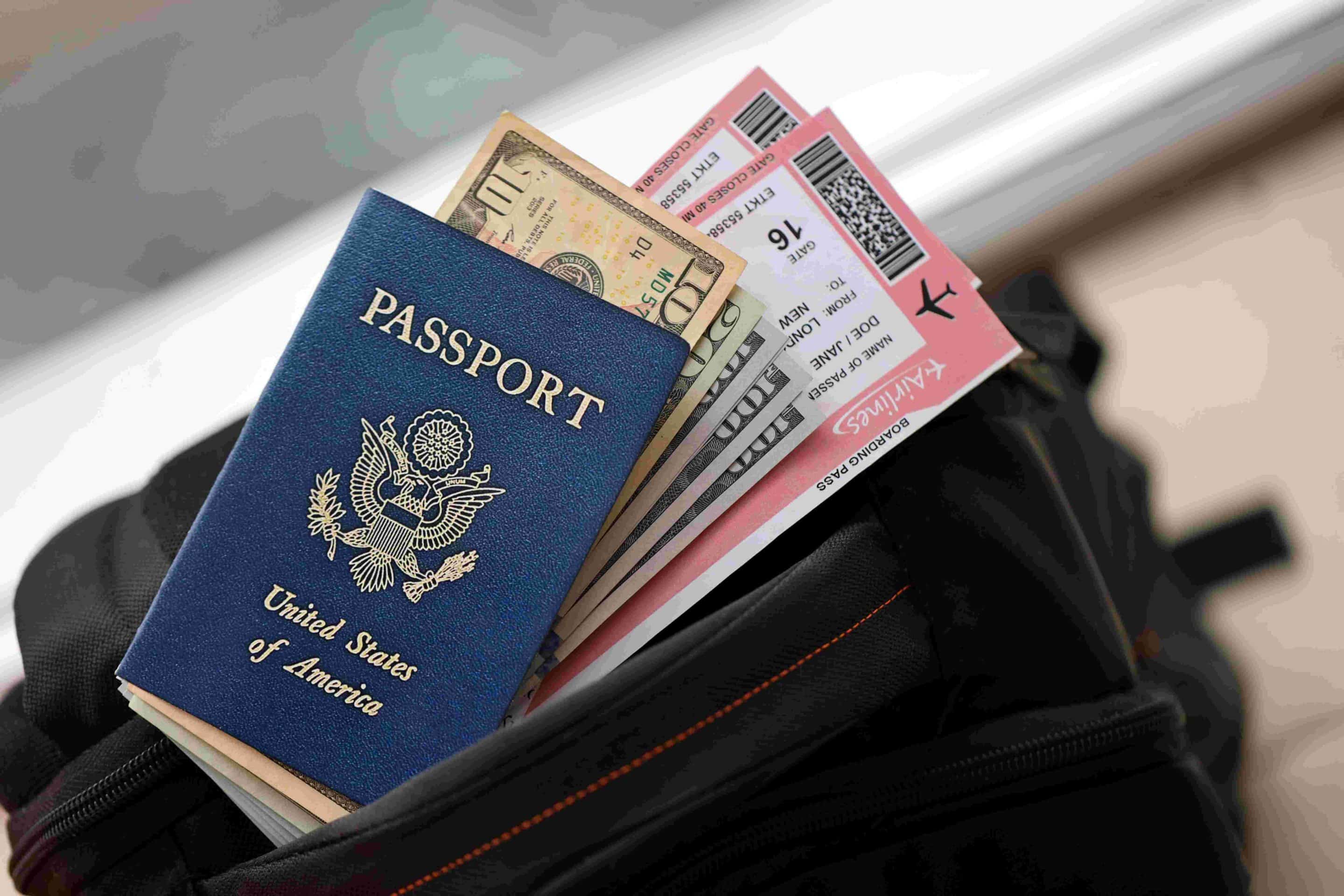
Posting airport selfies and boarding pass shots might feel like part of the fun, but those tiny details can create real problems. A recent example showed how serious this can get. A 26 year old man reportedly boarded a flight at Salt Lake City International Airport (SLC) by pretending to be another traveler. He used a screenshot of her boarding pass that he secretly took while she was not watching.
Incidents like this are not completely new. People have, at different times, figured out ways to move through airport security or get onto flights without proper tickets. What matters for you is simple. Your travel documents connect directly to your identity, your booking, and sometimes your money, so you need to treat them like important valuables.
Protect Your Phone Screen At The Gate
Airports are crowded places. In boarding areas and security lines, strangers stand very close to you. You cannot control who is behind you, but you can control how easy it is for them to see what is on your phone.
One simple tool that helps a lot is a privacy screen protector. This is a thin cover you put on your phone. When you look straight at the screen, everything looks normal. When someone tries to look from the side, the screen looks dark or fuzzy. That makes it much harder for them to read your boarding pass or snap a useful photo.
In the situation at Salt Lake City International Airport, the man was reportedly walking around the boarding area and snapping pictures of other travelers’ phone screens while they were distracted. If those phones had privacy filters, many of those photos would have been useless.
To understand why this matters, think of your boarding pass like your payment details. The barcode or QR code on a digital boarding pass is not just a random pattern. It usually links to your Passenger Name Record, also called a PNR. This is a short mix of letters and numbers that sits at the core of your booking.
The PNR connects straight to your reservation in the airline system. It works like a digital folder for your trip. With that code and your last name, someone may be able to open your booking online, see your full name and other personal details, or even change seats and, in some systems, cancel flights. The person who wants that access does not always need to steal a physical boarding pass. A clear photo of the QR code might be enough, since they can scan that image with a simple QR reader and pull up the same reference information the airline uses.
Post Smart, Not In The Moment
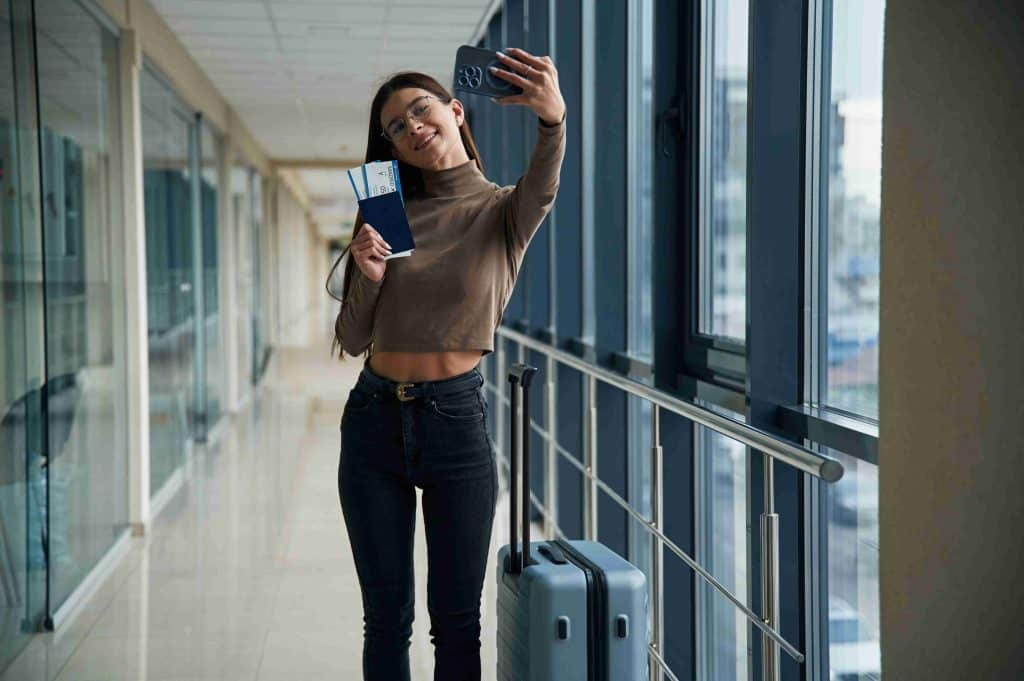
We strongly recommend that you avoid posting certain details in real time, such as full photos of your boarding pass, screenshots that show your PNR or booking code, or images that clearly reveal your flight number, travel date, and departure time. Sharing these details while you are still on the move can quietly hand strangers a clear picture of your schedule and whereabouts.
Even one picture can be enough for someone to figure out when you leave, where you are going, and when your home will be empty. Covering part of the code is not always enough, because people can sometimes guess or zoom in on what you thought was hidden.
The same rule applies to detailed hotel posts while you are still checked in. Photos of your room view, the lobby, the street outside, and the exact restaurant where you are eating can all become clues. A person who wants to track you can connect those clues and work out where you are staying.
This is especially important if you travel on your own, and even more important if you are a solo female traveler. Sharing your exact location in real time is almost like giving strangers a live map that shows where you are and where you might be going next.
Stay Alert To People Near You
Phones, apps, and privacy tools help a lot, but your own attention still matters just as much. When you travel, it pays to notice who is close to you and what they are doing, especially in crowded spots.
In many parts of the world, small crimes like pickpocketing happen more often than serious attacks. Tourists are common targets because they are often distracted, tired, or busy looking at signs. Common problems include someone unzipping a bag and taking a wallet or passport, quick phone grabs when your device is on a table or loosely in your hand, or people brushing past you in a crowd while taking something from your pocket. These things often happen in busy city centers, on public transport, near big tourist sights, and around airport waiting areas.
You make life easier for thieves if you leave your bag open, put your phone or passport down on a table, or wave your boarding pass around while juggling other items. You make life harder for them if you keep your bag zipped and close to your body, hold your phone firmly or keep it in a front pocket or bag, and put your passport away as soon as you finish using it.
We are not telling you to spend your whole trip feeling tense. We are saying that small changes in behavior can help you notice early warning signs. If you keep seeing the same person standing very close behind you at the gate, repeatedly glancing at your phone, or slowly moving around the same area as you, treat that as a signal. You can step to a different spot, block your screen with your hand, or speak with staff if something feels off.
Use One Safe Home For Your Important Items
Many stressful travel moments start with one simple issue. People do not know where their important items are. Their passport is in one pocket, their phone is in another, and their boarding pass is loose in their hand. When something goes missing, they do not notice right away.
To avoid this, set up a simple system before you leave home. Decide on one main place for your key items and stick with it for the whole trip. That main place could be a small crossbody bag, a waist pack you wear under a jacket, or a backpack with hidden pockets. When you choose that bag, look for strong, cut resistant straps, zippers that can hook together or clip to the bag, pockets that help block unwanted electronic scanning of cards and IDs, and separate sections for your passport, phone, cash, and other items so everything has its own clear spot.
A bag with those features does not have to be huge. A medium or even small size is often enough for daily use, and some bags can fold flat so you can tuck them inside a larger suitcase when you do not need them.
If you do not like carrying a purse style bag, a backpack can still work if you use it wisely. Place your passport and boarding pass in a pocket that rests against your back instead of an outer pocket that anyone can reach. While you are in the airport, tell yourself exactly where those items live. When you arrive at your hotel or other lodging, move your passport into a room safe or another secure spot, then keep using your bag system for day to day items.
Save Copies Of Your Documents In Safe Spots
Even careful travelers can have bad luck. A zipper can break. A bag can disappear. A passport can be forgotten in a taxi or fall out of a pocket. You cannot control every problem, but you can prepare in a way that makes recovery easier.
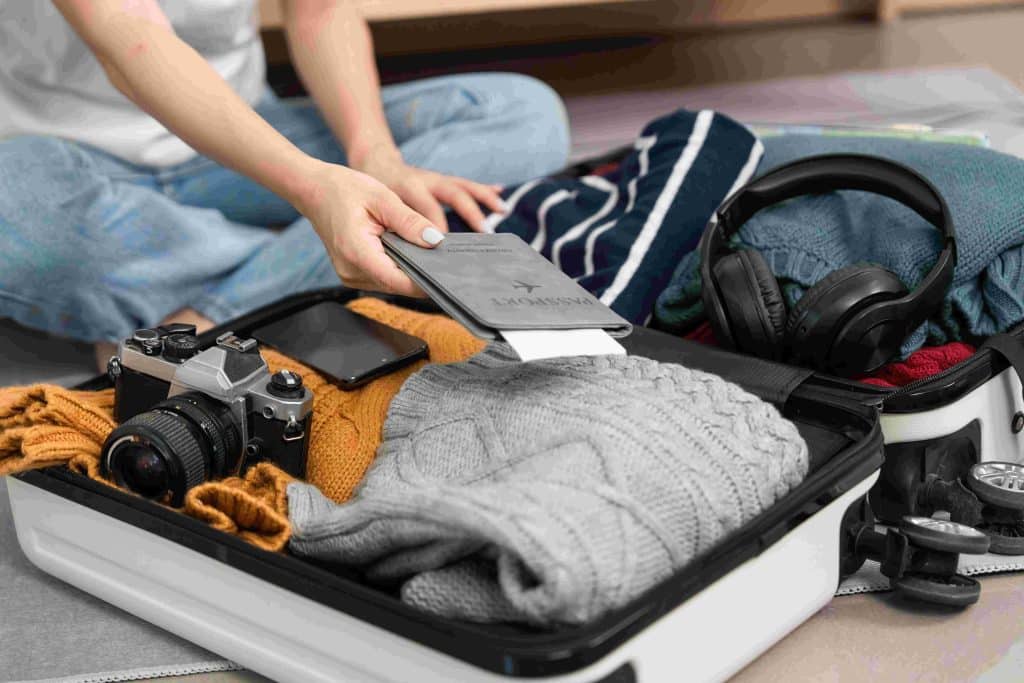
Before any international trip, take a few minutes to create backup copies of your most important documents. This usually includes the picture page of your passport, any visa pages you need for your destination, your driver license, and your travel insurance card if you have one.
Then store those copies in several safe places. You can save clear photos or scans in a secure notes app or password manager on your phone, email the images to yourself so you can open them from another device, and leave printed copies or a digital folder with a trusted friend or family member at home.
It can also help to keep a printed copy of your passport in a different bag than the bag that holds the real passport. If the original gets lost or stolen, the copy can act as partial proof of your identity and citizenship when you visit your embassy or consulate. Rules and processes change, so it is smart to check the latest advice from the government of your home country before you travel.
Password managers and other secure storage tools are great for organizing this information. You can store document images, emergency phone numbers, and important dates, such as when your passport was issued and when it expires. Just make sure you protect these tools with strong passwords and, if possible, an extra sign in step like two factor authentication.
Travel Smarter With TheMilesAcademy
If you want ongoing support, you do not have to figure all of this out alone. In our free TheMilesAcademy community, we share simple safety tips, real travel stories, and practical strategies to help you protect your documents and use your rewards in smarter ways. You can ask questions, learn from other travelers, and stay up to date on new habits that make each trip feel a little more secure.
You can also use our free card finder tool to match yourself with options that fit how you actually travel and spend, instead of guessing on your own. It is a quick way to explore different types of cards and see which ones might work better for your goals and comfort level. When you combine safer document habits with choices that support your travel plans, you put yourself in a stronger position every time you head to the airport.